Find an explanation while you work
The GuideGuideThe help pages inside NovusLens. They explain the pages, input formats and tasks in the version you use. They are product instructions, not evidence about the organisation. explains the product’s views and messages. It contains product documentation, rather than your organisation’s evidence. A Guide page does not establish a findingFindingA difference in the records that needs a decision. It includes its sources and can describe a slow handoff, disputed fact or missing owner., a coverageCoverageWhat the available records cover, and what is missing. A count such as “3 of 5 dependencies measured” names the measured portion and the gap. figure or an answer about your organisation.
Before you start
Sign in with your product account. Every role can read the documentation. Use Docs in the product navigation to open the documentation served by your installation.
Browse or search the Guide
- Open Docs, then choose Product Guide.
- Choose a concept, task, input format, status, finding or answer from the index.
- Use the documentation search to find a topic across the documentation.
- Follow Read more for the supporting manual section. Other references link to their repository sources.
The full Guide and manuals are included in the documentation bundle.
You can read them even when the product cannot load its Guide records.
Existing links such as /guide?id=concept.cpl still open the matching page.
Open help beside a task
- Select the question mark beside a section heading.
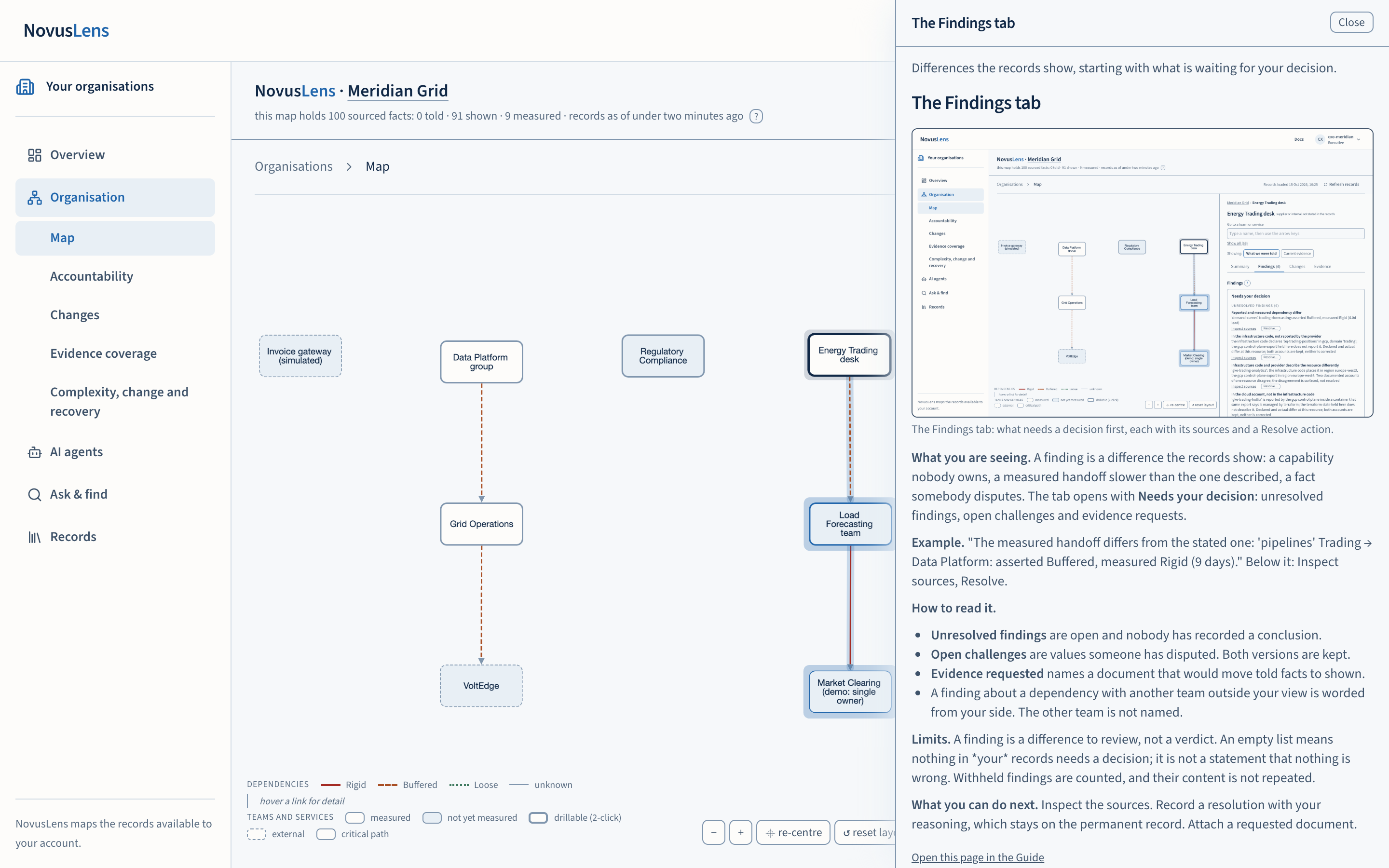
- Read the explanation in the drawer beside your task.
- Select Close, or press Escape. Focus returns to the question mark you used.
- To read the full page, select Open this page in the Guide at the foot of the drawer.
The contextual drawer reads the product’s Guide records. It can show an error when those records cannot be reached. Open Docs, then Product Guide, to read the bundled explanation instead.
Open a complete manual
Choose Tutorials in the documentation navigation. The user manual follows the interface from a management question to its supporting records. The operations manual covers Docker setup, imports, service checks and recovery limits.
The manuals retain their sections, examples and illustrations in one scrolling page each. Guide references link directly to the relevant manual section.
When something goes wrong
- A Guide link has an unknown page ID. Follow the links to the Guide index or manuals and choose a topic.
- Search does not find your topic. Try fewer words, browse the Guide index or open a manual.
- The help drawer cannot reach a page. Open Docs and choose the explanation from the Product Guide.
- The documentation asks you to sign in. Use the same account as the product, then reopen the page.
To ask about your organisation’s records, use Ask, find and answers.